

Interactive 3D tours
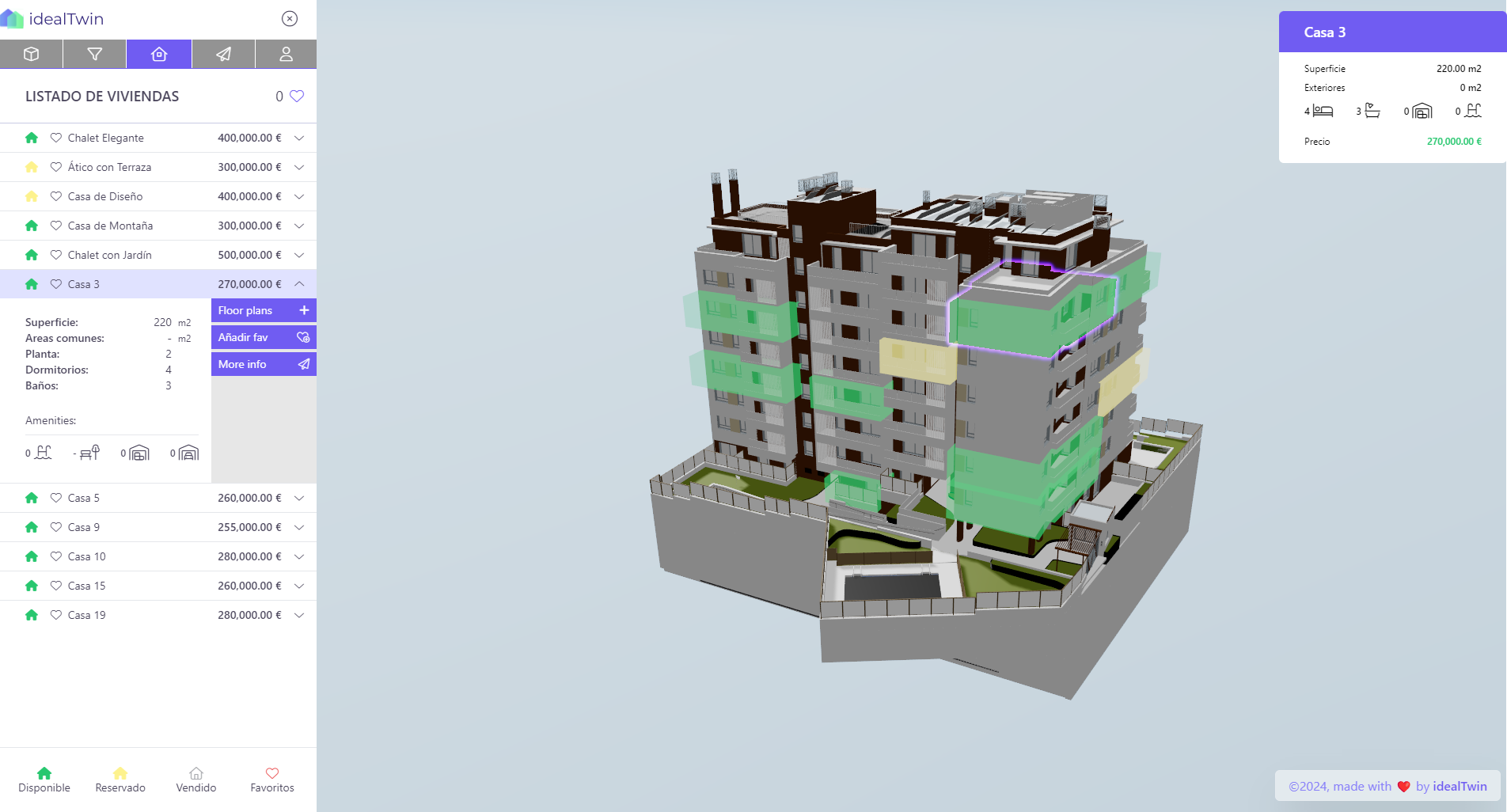
Let prospects explore projects, unit context, views, floor levels, and typologies before or during a sales meeting.

Feature
Use project websites, 3D tours, configurators, lead capture, and buyer-ready collateral to present every development with more context.
Sales enablement
IdealTwin gives commercial teams interactive, always-current tools for presenting developments, answering buyer questions, and capturing qualified interest.
Features
Keep sales conversations close to project data, visual context, and clear next actions.
Let prospects explore projects, unit context, views, floor levels, and typologies before or during a sales meeting.

Publish branded development pages with current media, availability, and enquiry calls to action.

Use finishes, layouts, and upgrade options to turn buyer preferences into clearer sales follow-up.

Capture intent from interactive pages and hand it to sales with richer context than a basic form submission.
How it works
Start from a public experience and move into a qualified sales conversation.
Use the website, 3D viewer, or Unreal experience to explain the development visually.
Filter by buyer needs such as price, floor, typology, view, availability, or finish preferences.
Use clear enquiry paths, saved preferences, and buyer actions to create more useful follow-up.
Give the sales team the project, unit, and option context behind the enquiry.
Features
Use large screens and touch workflows to guide buyer meetings.
Share web and pixel-streamed experiences with buyers who cannot visit.
Connect campaign traffic to richer project and unit exploration.
Give brokers current visual and unit information without rebuilding collateral.
Use IdealTwin sales tools to connect interactive presentation, live project data, and qualified lead capture.